In today’s fast-paced world, customers expect quick responses and round-the-clock service. As a small business owner, providing immediate support can be a challenge, especially with limited resources. This is where a chatbot can become your best friend. Chatbots can handle customer inquiries, book appointments, provide information, and even assist with sales—all while you’re busy running other parts of your business. With the right setup, chatbot for small business can save your time and provide customers with a seamless experience.
But how do you create a chatbot that works for your business? Don’t worry! Let’s break it down into simple steps, from understanding what a chatbot is, to setting it up and integrating it into your business strategy. This guide will show you how to get started on the right foot and make the most of this powerful tool.
What is a Chatbot?

Before diving into the creation process, let’s make sure we understand what a chatbot is. A chatbot is a tool powered by artificial intelligence (AI) or pre-set rules that can engage with customers automatically through text or voice. It’s like a virtual assistant that answers questions, provides information, or guides users through a process.
For small businesses, chatbots are a game-changer. They help handle customer inquiries, provide product recommendations, book appointments, and much more—without you needing to be online all the time.
Types of Chatbots: Which One Is Right for Your Business?
The choice depends on your needs. For small businesses just starting with chatbots, rule-based bots are often enough. As your business grows and your needs become more complex, you might consider an AI-driven chatbot.When considering a chatbot for your business, you’ll encounter two main types:
- Rule-based chatbots: These work by following a fixed script or flow. They’re easy to set up and work great for handling simple tasks like answering frequently asked questions (FAQs) or booking appointments.
- AI-driven chatbots: These are smarter. They learn from interactions and improve over time. AI chatbots can handle more complex queries, making them a great choice if you’re looking for something that can adapt and grow with your business.
Choosing the Right Platform for Your Chatbot
Once you’ve chosen the right platform, the next step is defining the purpose of your chatbot. Whether you’re aiming to enhance customer support, assist with booking appointments, or generate leads, setting clear goals will help guide the design of your chatbot’s conversation flow. Keep it simple and user-friendly by offering customers clear options and guiding them through the interaction, whether it’s finding product details or resolving an issue.
Designing the Conversation Flow: Keep It Simple
The key to a successful chatbot is a smooth conversation flow. You want it to feel natural, so users aren’t frustrated by complicated or confusing interactions.
Here’s how to create a simple, engaging conversation flow:
- Greeting and Introduction: Start with a friendly greeting, introducing your chatbot. For example, “Hi there! I’m your assistant. How can I help you today?”
- Offer Options: Give customers clear options to choose from. For example, “I can help you with: 1) Product Information 2) Booking an Appointment 3) Support.” This guides them to the right area.
- Ask Follow-up Questions: Once the user picks an option, ask follow-up questions that will help you gather the right information.
- Clear Endings: Make sure your chatbot ends conversations with a helpful and polite closing, like “Thank you for reaching out! Have a great day!”
Designing the Conversation Flow
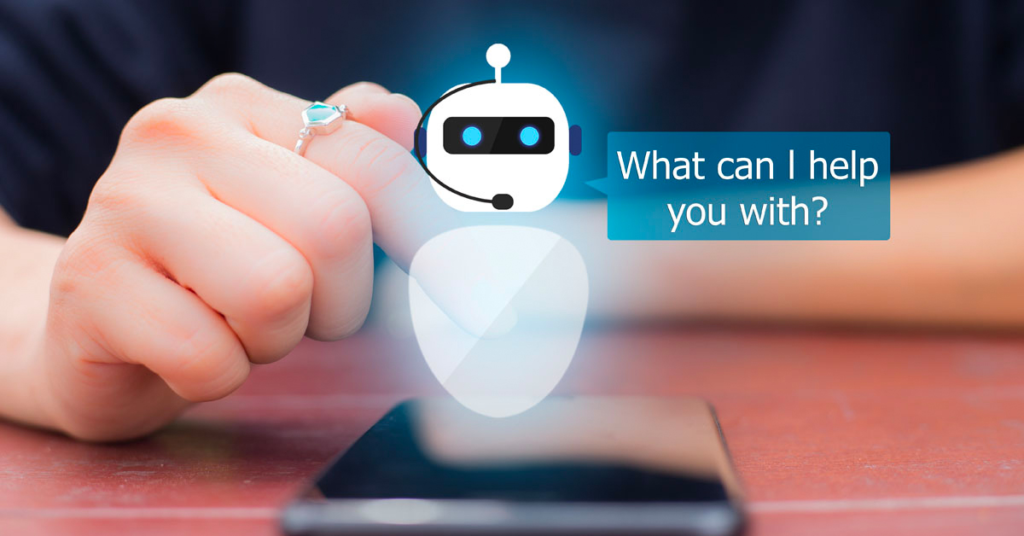
Designing the conversation flow is one of the most important steps when creating a chatbot. This is essentially the plan for how your chatbot will talk to your customers, guide them through tasks, and help solve their problems. A well-designed flow makes the interaction easy and enjoyable for your users.
Start by thinking about the common things your customers usually ask or need. For example, do they often ask for your store hours? Or are they looking to book an appointment or find out more about a product? Once you know these key areas, you can map out the conversation. This helps your chatbot focus on what matters most to your customers.
When setting up the flow, keep it simple. For example, if a customer opens your chatbot, you could start with a friendly greeting like, “Hi there! How can I help you today?” Then, you can offer them a few options like:
- Get product info
- Book an appointment
- Ask about shipping
- Chat with a live person
Integrating the Chatbot into Your Website or Social Media
Once the chatbot is set up and ready to go, it’s time to integrate it into your website or social media pages. This integration is usually straightforward, as most chatbot platforms provide easy-to-use widgets or integration tools. For websites, a simple copy-paste code or plugin can add the chatbot to the page. For social media, linking your chatbot to platforms like Facebook Messenger or WhatsApp allows customers to engage with the bot directly through these popular apps.
Automating Responses and Personalization
Automated responses are key to making your chatbot efficient and effective. Setting up automated replies for common questions or actions—like answering inquiries, booking services, or offering product details—saves time and keeps your customers happy. Personalization also plays a significant role in chatbot success. You can set up your chatbot to ask for the user’s name and use it in the conversation for a more tailored experience.
Monitoring and Improving Your Chatbot
Once your chatbot is live, monitoring its performance is essential for ensuring it meets your business needs. Most chatbot platforms offer analytics tools to track metrics like response times, customer engagement, and satisfaction. Regularly checking these metrics will help you identify any issues or areas where the chatbot can be improved.
Training Your Chatbot with AI (Optional)
If you’ve chosen an AI-driven chatbot, you’ll need to train it to handle more complex interactions. Over time, the chatbot will learn from customer interactions and become more accurate in responding to inquiries. While training an AI-driven chatbot can be more time-consuming at first, it can significantly improve customer experience as the bot adapts to your business needs.
Ensuring Compliance and Data Security
Finally, ensuring that your chatbot complies with data protection laws, like GDPR, is crucial. As you collect customer information, make sure it’s stored securely and that users are aware of how their data will be used. Privacy and security are vital, especially when handling sensitive customer data.
Is a Chatbot Worth the Investment for Small Businesses?

One of the most common questions small businesses have when considering a chatbot is the cost. Fortunately, there are both free and paid options available. Many chatbot platforms offer free versions with basic features that are perfect for businesses just starting. Paid versions often include advanced features, such as AI, detailed analytics, and increased customization. When evaluating the cost, consider the return on investment. A well-designed chatbot can help reduce customer service time, improve lead conversion, and enhance customer satisfaction—all of which can lead to increased revenue and a better overall customer experience.
Looking for a Smarter Way to Build Your Chatbot?
At AI Chatbots Coach, we specialize in helping coaches, trainers, and small businesses unlock the full potential of conversational AI. Whether you’re building an AI chatbot for training and coaching, designing a conversational AI solution, or just getting started with an AI-powered coaching chatbot, we provide the tools, strategies, and expertise to bring your vision to life.
If you need help with Chatbot Development, feel free to contact us at headhoncho@aichatbots.coach.
Faqs:
1. How can a chatbot help small businesses improve customer service?
Chatbots provide instant, 24/7 support by answering common questions, booking appointments, and offering product information—even when you’re not available. For small businesses, this means improved customer satisfaction, faster response times, and more efficient use of resources without the need for a large support team.
2. What type of chatbot is best for a small business just getting started?
For small businesses starting out, a rule-based chatbot is typically the best option. It’s easy to set up, cost-effective, and perfect for handling simple tasks like FAQs and appointment bookings. As your needs grow, you can upgrade to an AI chatbot that can learn from user interactions and manage more complex queries.
3. Is it difficult to integrate a chatbot into my website or social media?
No, integrating a chatbot into your website or social media is usually very simple. Most chatbot platforms provide easy-to-use plugins, widgets, or integration tools for platforms like Facebook Messenger, WhatsApp, or your website—allowing your business to engage with customers where they already are.